Lens Studio Home Page
When you first open Lens Studio, you are greeted with the Home window. This window provides you with a starting point for getting inspired, or continuing your next great Lens.
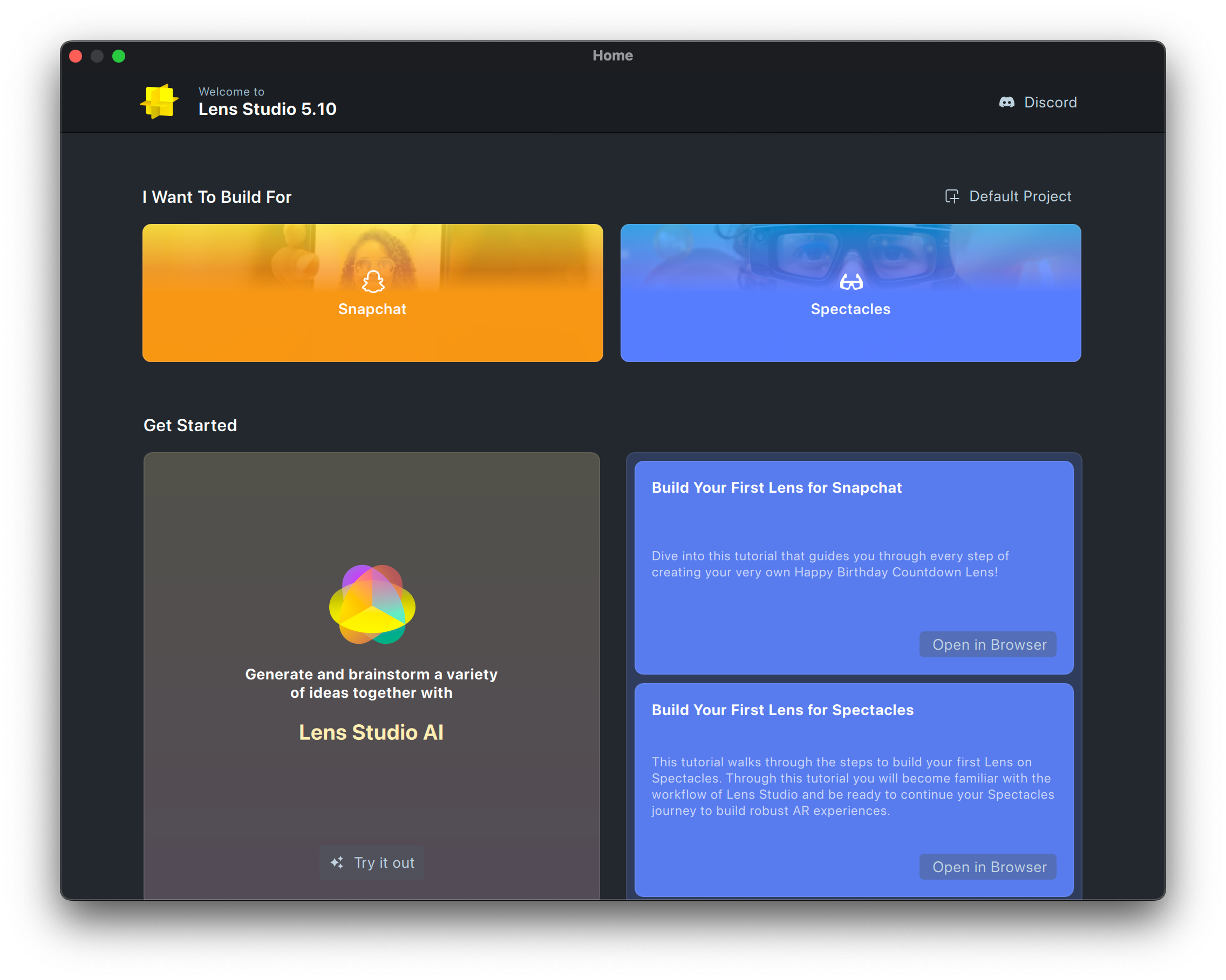
You can access the home page by clicking on the home icon in the top left of the window, or pressing cmd + w on Mac or ctrl + w on PC.
First Time Experience
The first time you open Lens Studio you have the option to start with Lens Studio AI, which allows you to generate Lenses with just by describing it, using the power of AI!
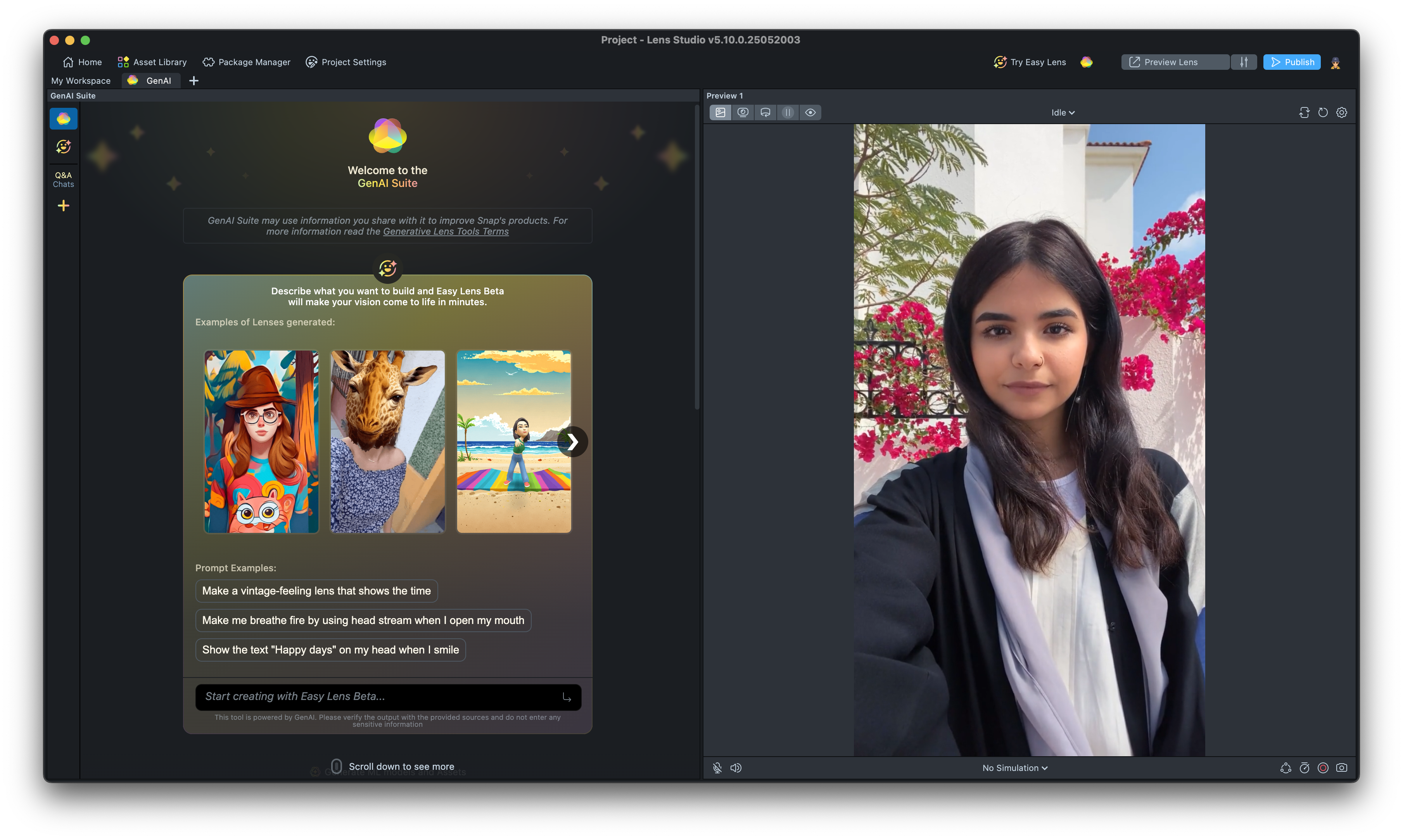
Alternatively, you can jump to building your own by pressing Default Project at the top right corner.
You can find recommended guides for using Lens Studio next to the Lens Studio AI block.
Subsequent Experience
The next time you open the home screen, you will have unlocked the I want to Build For section. This allows you to find the developer resources related to the type of Lens you want to make.
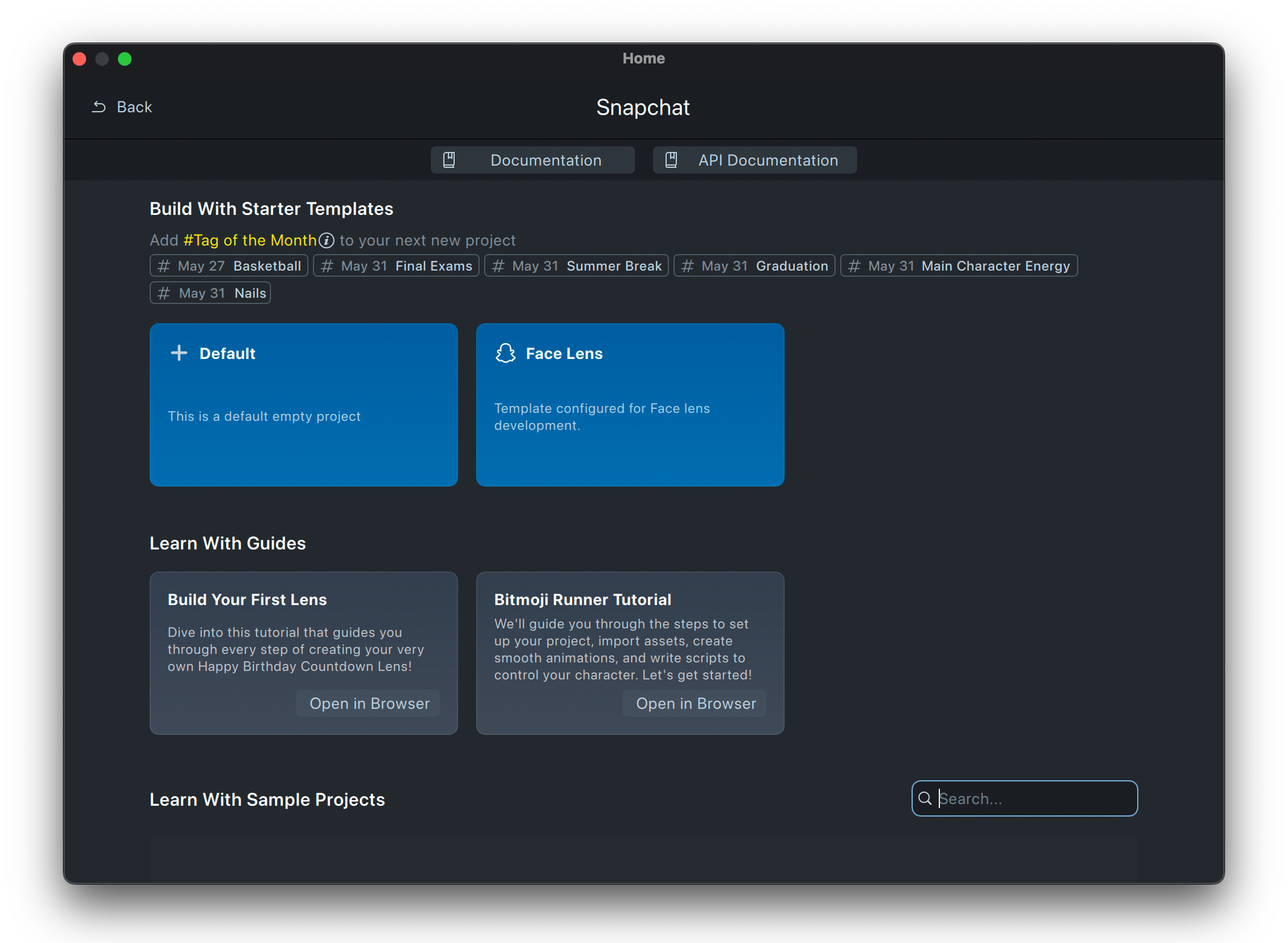
Clicking on any platform will show you information about:
-
Links to related information
-
Starter Templates: which provides you with a starting point for making common types of Lenses
At the top of the starter templates are Tags of the Month, which tells you what kind of topics for Lenses are currently trending. Try making a Lens for one of these!
-
Guides: which provides you with step by step tutorials for making different types of Lenses
-
Sample Projects: which are semi-completed Lens projects which you can modify and make your own!
Growing with Lens Studio
As you continue to get deeper with Lens Studio, we'd love to connect with you.
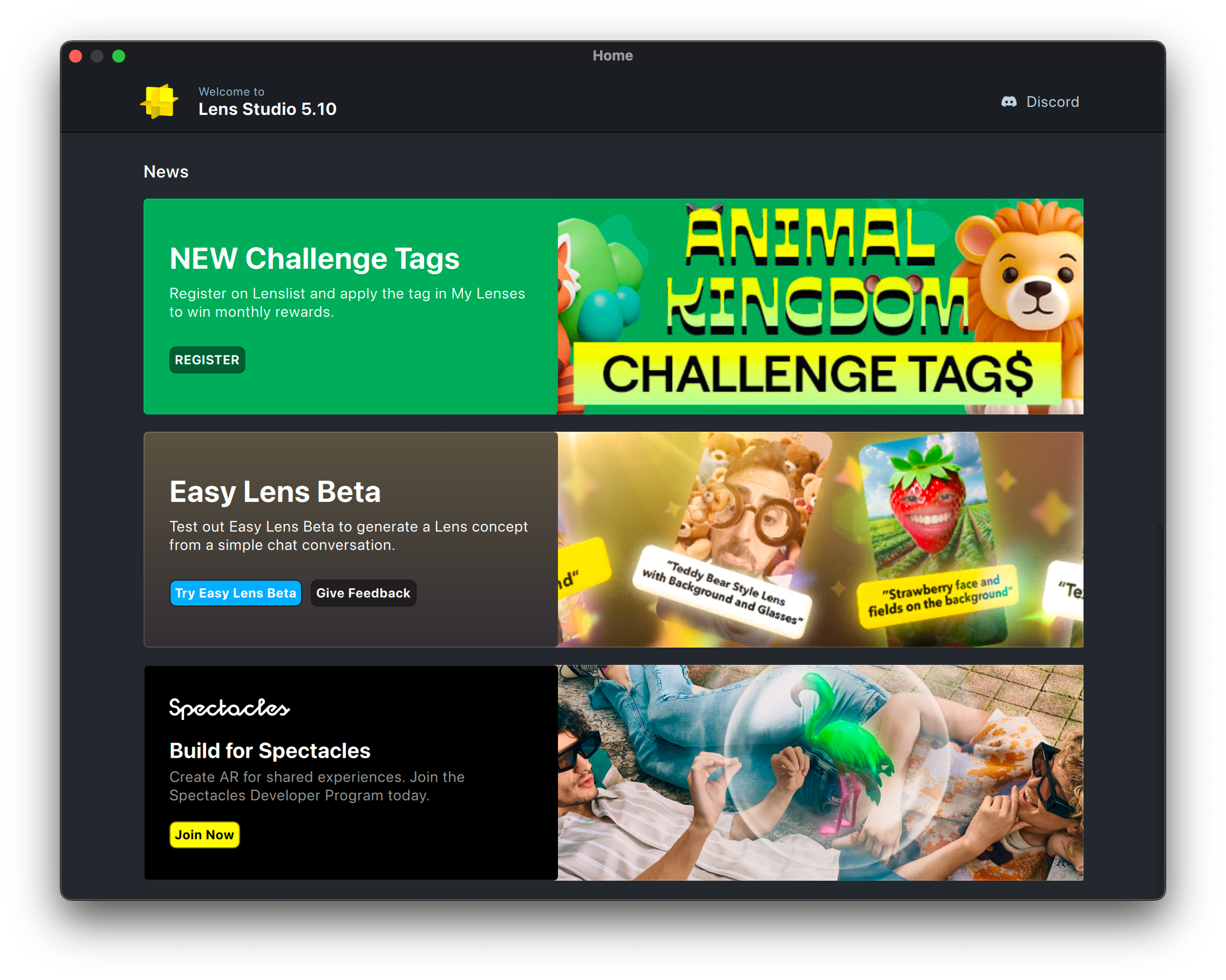
You can click the Discord link at the top of the home screen to join our community, where you can ask questions to other creators, and our team members.
You can also keep up to date with the latest feature, new examples or tutorials, or what you’re up to in the Lens Studio banner.
We can't wait to see what you come up with!