Design Guidelines and Branding Requirements
Depending on how Camera Kit is used, Snap attribution may be required or optional. See the Attribution Requirements Overview below for details.
Implementation options and additional design guidance are outlined on this page. You may follow the iOS and Android guides to utilize Camera Kit code snippets for adding Snap attribution elements.
Snap reserves the right to contact you regarding branding compliance.
Attribution Requirements Overview
Snap attribution requirements vary depending on how Camera Kit is used:
| Integration Type | Attribution Required? |
|---|---|
| Mobile applications | Optional |
| Web applications | Optional |
| Commercial public displays | Required |
Mobile and web applications do not require Snap attribution, even if the application itself is monetized.
What is a Commercial Public Display?
A commercial public display is a Camera Kit integration deployed in a shared, public-facing physical environment as part of a commercial activation or installation.
This most commonly includes AR Mirrors and other hardware or software-based experiences intended for use by members of the public in retail, hospitality, entertainment, transportation, or venue environments.
The following examples are illustrative and do not represent an exhaustive list.
Attribution is required for:
- AR Mirrors installed in retail stores
- Mirrors or kiosks in theme parks, airports, malls, hotels, entertainment venues, etc.
- Public-facing venue activations or branded installations
- Permanent or semi-permanent hardware deployments intended for general public use
Attribution is not required for:
- Mobile or web applications used on personal devices
- Private events (e.g., weddings or private parties)
- Educational or classroom use
- Internal prototypes or non-public test installations
If your integration is deployed for public consumption in a commercial environment using dedicated hardware (e.g., Mirrors, kiosks, large-format displays, or similar activations), Snap attribution is required in accordance with Snap’s branding standards.
Brand Implementation Guidance
For commercial public display integrations, attribution is required and will be reviewed as part of the app review process.
When including Snap attribution:
- It should be clearly displayed in any app view where a Lens is actively applied.
- The attribution should not imply endorsement by Snap Inc.
- Placement should be visually clear and legible within the experience.
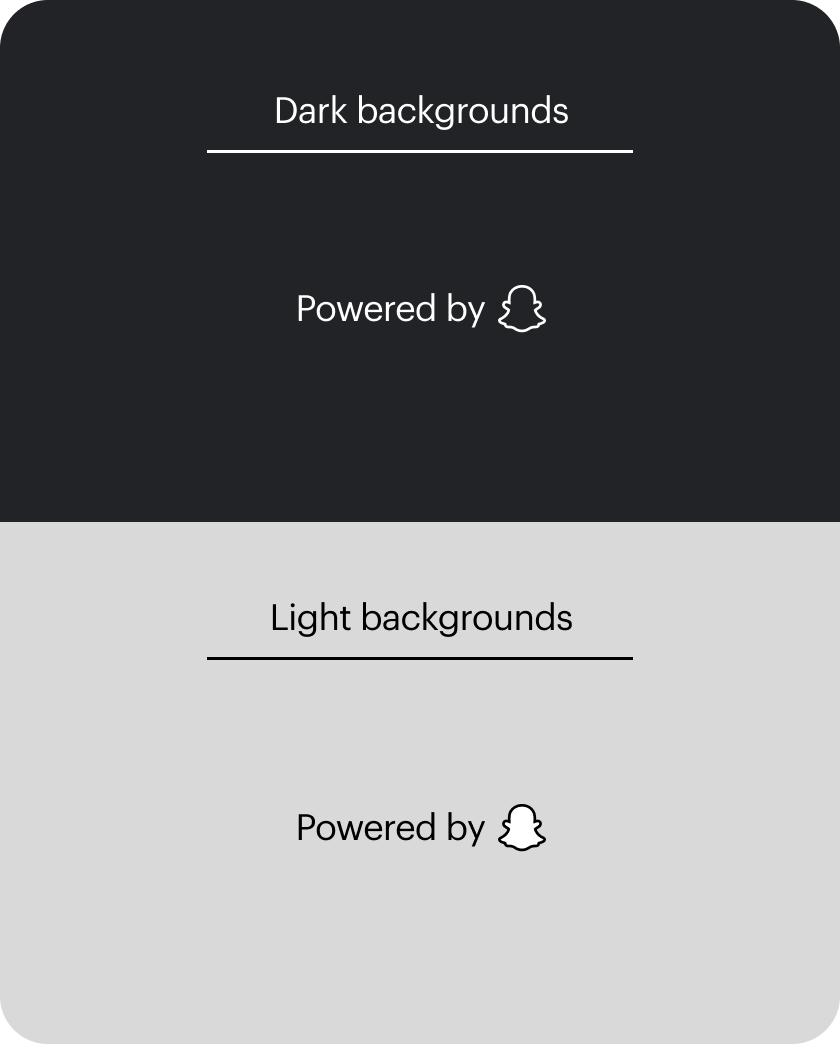
When including branding, please use one of the approved attribution formats in interfaces powered by Camera Kit. You can use the UI Kit via Figma for guidance. Attribution may be incorporated in the UI, loading screen, or adjacent to the Lens experience, provided it remains clearly visible.
Other Elements
For additional guidance around the do's and don'ts of using Snap's brand elements, please review the Snapchat Brand Guidelines.
You may optionally use approved buttons to provide access to Lenses within your application.
If you wish to provide links back to the Snapchat application or your Public Profile within Snapchat, you may use the Snap Ghost Logo in accordance with Snap’s brand guidelines.
Branding for Apps Serving Users in the U.S. Under 13
In order to pass Snap Kit App Review, there should be no Snapchat branding in your application for this audience.