Body Parallax Component
The Body Parallax Component brings static images to life by adding subtle background motion that creates a sense of depth and movement behind the character’s body.
Getting Started
-
Navigate to the
Asset Libraryoption in the top left corner of the Lens Studio.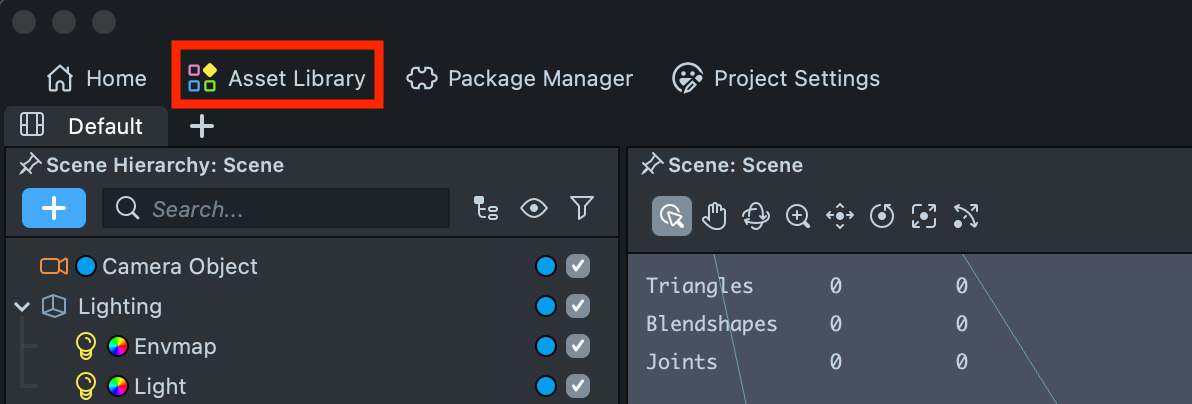
-
In the search field, type Body Parallax, then click
Install.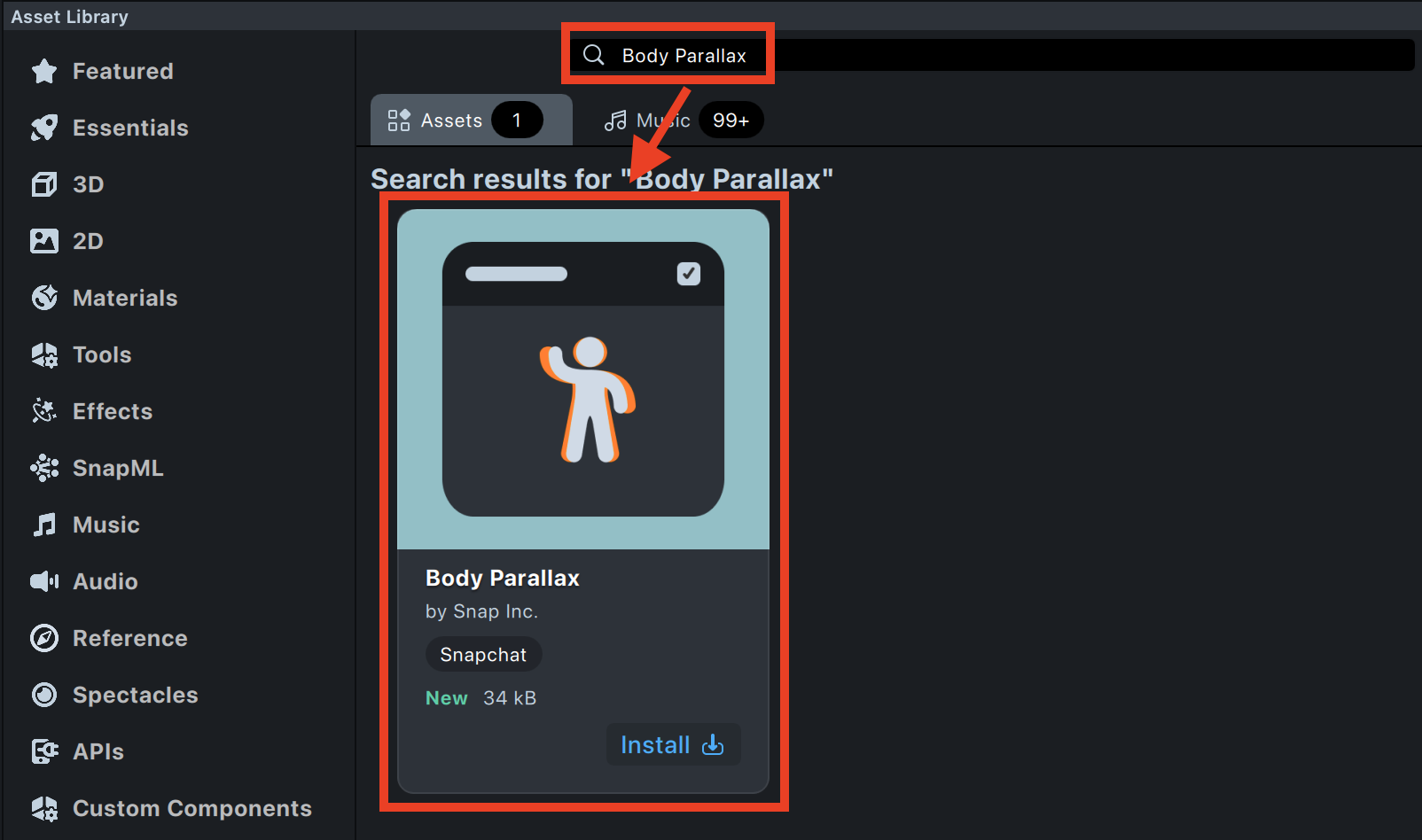
-
The Body Parallax Component will automatically appear in both the Scene Hierarchy and the Asset Browser.
Don’t worry about the message in the Logger regarding the missing inputTexture — it simply indicates that the component needs an input texture to function. We’ll set this up later in the Setting Up the Body Parallax Component section.
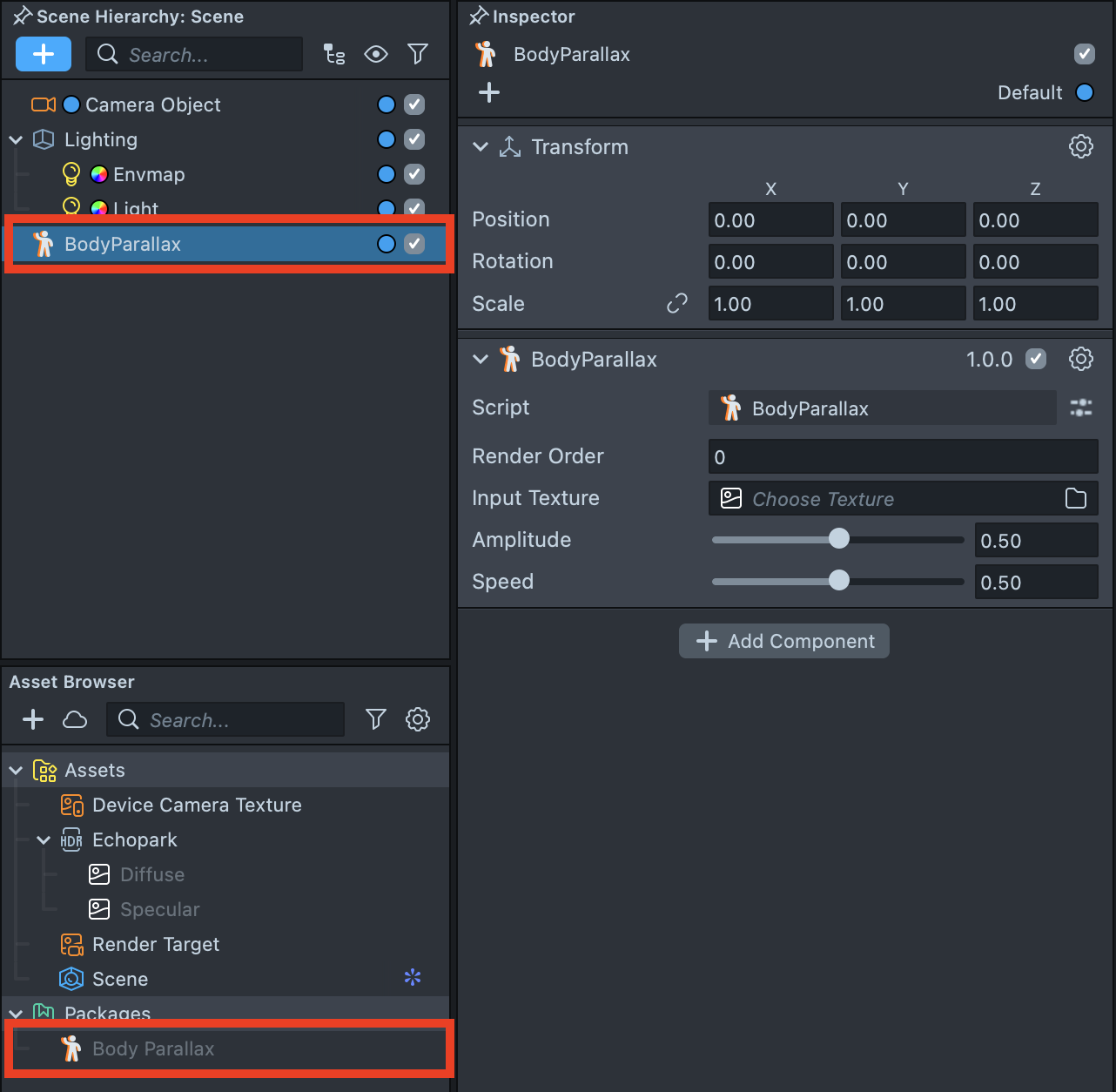
-
After installation, you can always find the Body Parallax Component in the Asset Browser by clicking
+and typing Body Parallax into the search field.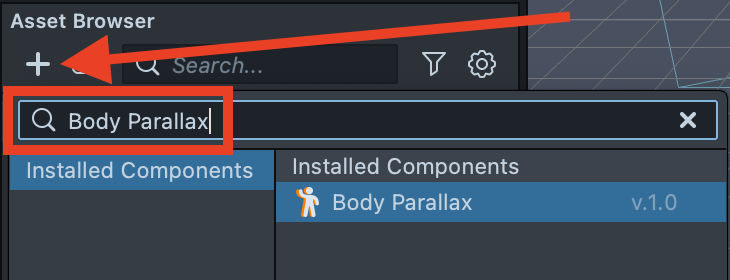
Setting Up the Body Parallax Component
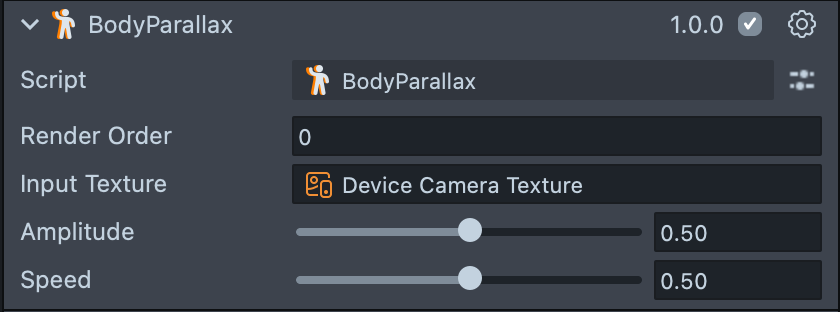
- Render Order – Defines the rendering order of the effect.
- Input Texture – Defines the texture used for the effect, such as a screen texture, device camera texture, or an image. This field is empty by default and must be assigned a texture for the component to function.
- Amplitude - Defines the strength of the motion effect.
- Speed - Defines how fast the motion occurs.