Building Games on Snapchat
Snapchat makes it easier than ever to build highly engaging, social-first games inside Lenses. Games here are platform-native—seamlessly connected to the camera, the friend graph, and Snapchat's content ecosystem—which means your ideas can reach players instantly and spread organically.
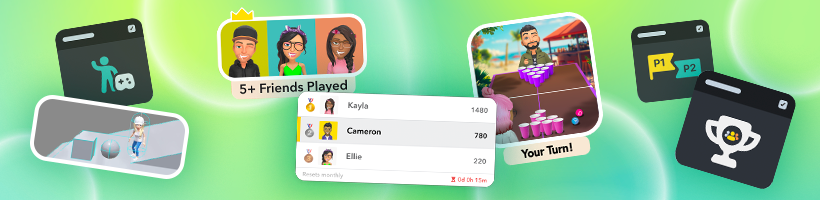
- Instant Distribution—Publish once in Lens Studio and your game is immediately available in Snapchat to 350M daily Lens users across the Camera Carousel, Games Explorer, Lens Explorer, and Search - no installs or extra steps.
- Viral Sharing—Games spread naturally through Snaps, Stories, and Spotlight—turning fun moments into content that friends pass along, helping your game reach Snapchat's 900M Monthly Active Users.
- Powered by Friends—Features like Bitmoji, Leaderboards, and the Multiplayer and Turn Based formats turn games into personal, social competitions.
- Creative Gameplay—Build AR games, mobile games, or combine AR inputs (device tracking, camera, face/gesture recognition) with traditional mechanics to create entirely new formats of games.
Why Build Games on Snapchat?
Lens Games aren't just solo experiences—they're designed to be played with friends and spread across the Snapchat ecosystem. Features like friend leaderboards, personalized Bitmoji avatars, live multiplayer sessions, and asynchronous turn based gameplay make Snapchat uniquely suited for lightweight, social-first game formats.
Creators also benefit from:
- Low Friction Multiplayer—Build live multiplayer with the Connected Framework, or async multiplayer with the Leaderboard and Turn Based formats. No other platform makes it this straightforward to turn one-off play sessions into ongoing social competition.
- Monetization—Creating amazing games is just the beginning. You can earn rewards from the Lenses you build:
- Lens Creator Rewards: Enroll and earn payouts if your Lens becomes a top performer. Games are some of our most rewarded Lenses.
- Discovery—Features like Multiplayer and Turn Based play, Leaderboards, and Bitmoji all drive a natural flywheel: back-and-forth gameplay, friendly competition, and seeing yourself and friends in the game encourage sharing—which spreads your Lens, helps it rise in the Carousel, and grows your audience.
Core Social Features
| Multiplayer | Turn Based | Leaderboard | Bitmoji |
|---|---|---|---|
 |
Multiplayer
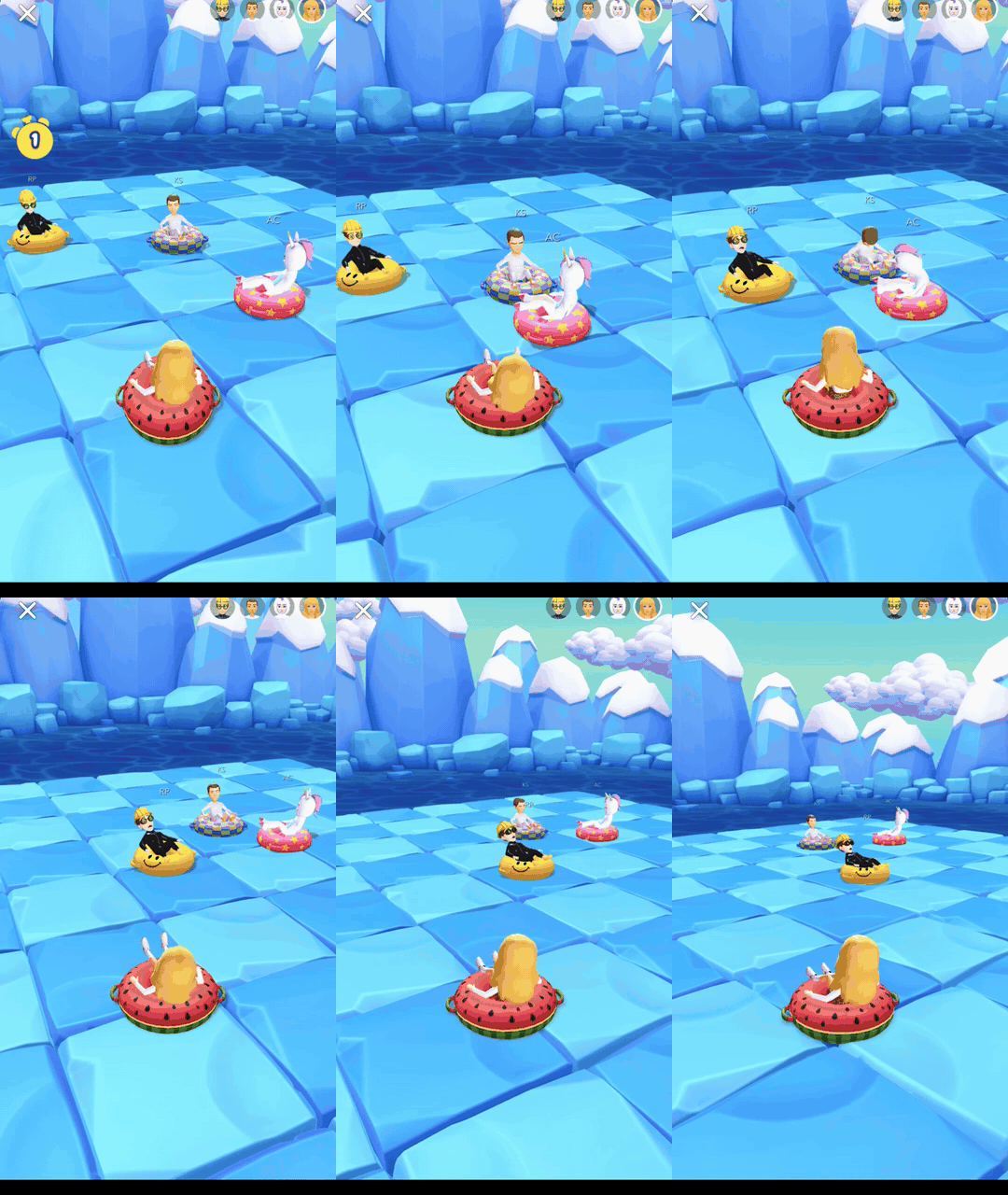
Build live games where friends play together in the same session in real time. Players connect into a shared session, each represented by their own Bitmoji, and game state syncs across every participant as they play. The Connected Framework handles the networking layer, so you write gameplay rather than transport. Suited to head-to-head arcade games, party games, and racers. → Learn more about the Multiplayer format
Turn Based

Build asynchronous two-player games that Snapchatters can send back and forth through Snaps. Powered by Snapchat’s Turn Based Dynamic Response System, this format lets players take sequential turns, with game state passed automatically in each Snap. Perfect for classics like tic-tac-toe, competitive arcade games like pool, or any back-and-forth experience where friends trade moves over time. → Learn more about the Turn Based Component
Leaderboard

Make the competition personal with Leaderboards and let players compete directly against their friends' scores. The Leaderboard Component handles score submission and ranking automatically, and you can surface top scores with the Score Widget to keep competition visible. Perfect for hypercasual games, endless runners, or any format where replay value comes from climbing the ranks and beating friends. → Learn more about the Leaderboard Component
Bitmoji
Bring in the avatar system loved by millions. Bitmoji makes games instantly personal—players see themselves and their friends directly in the experience. Use Bitmoji 3D as a controllable player character in action or adventure games, or bring in Bitmoji 2D as stickers, cameos, or reactions to add humor and personality. → Learn more about Bitmoji Tools
Game Development Building Blocks
Snapchat provides essential game components so you can focus on gameplay and fun:
- Character Controller—Modular movement system and collision handling supporting both Bitmoji and custom characters.
- Camera Controller—Flexible camera behaviors: Follow, Third-Person, Orbit.
- Input Action—Reusable user input mappings (joystick, taps, face events, mic) for gameplay actions.
- Joystick—Customizable on-screen joystick with scripting support.
- Connected Framework—Real-time multiplayer: sessions, synced state, and player instantiation.
- Persistent Storage—Save and load data between Lens sessions, perfect for high scores and game progress.
These components work together like building blocks, so you can customize and prototype new gameplay quickly without worrying about low-level logic.
For an example of how these components work together, try out the Bitmoji Player Package, a game-ready controllable Bitmoji, from the Asset Library.
For best practices on building performant and engaging game Lenses, including fullscreen mode, performance optimization, touch interactions, and Spotlight engagement strategies, see Best Practices for Games.
Resources to Get Started
The most successful Lens Games lean into the social features unique to Snapchat. Start building with these resources:
- Sample Projects: Pre-built templates for Multiplayer, Leaderboard, Turn Based and Platformer style games are available to download from the Lens Studio home screen.
- Game Components: Reusable building blocks for gameplay mechanics found in the "Games" section of the Asset Library.
- Video Tutorials: Watch our video tutorials on 2D, 3D, and Turn Based games to get started with building games on Snapchat.
- Bitmoji Runner Game Tutorial: Step-by-step guide to building an endless runner game with Bitmoji.
- Lens Studio for Unity Developers: Migration guide for Unity developers transitioning to Lens Studio.
- Lens Studio Official Discord and Lensathon Channel: Join the Lens Studio community in the games-lensathon channel to get help, share your projects, and get feedback from other developers.
Ready to build your first game?
Download