Overview
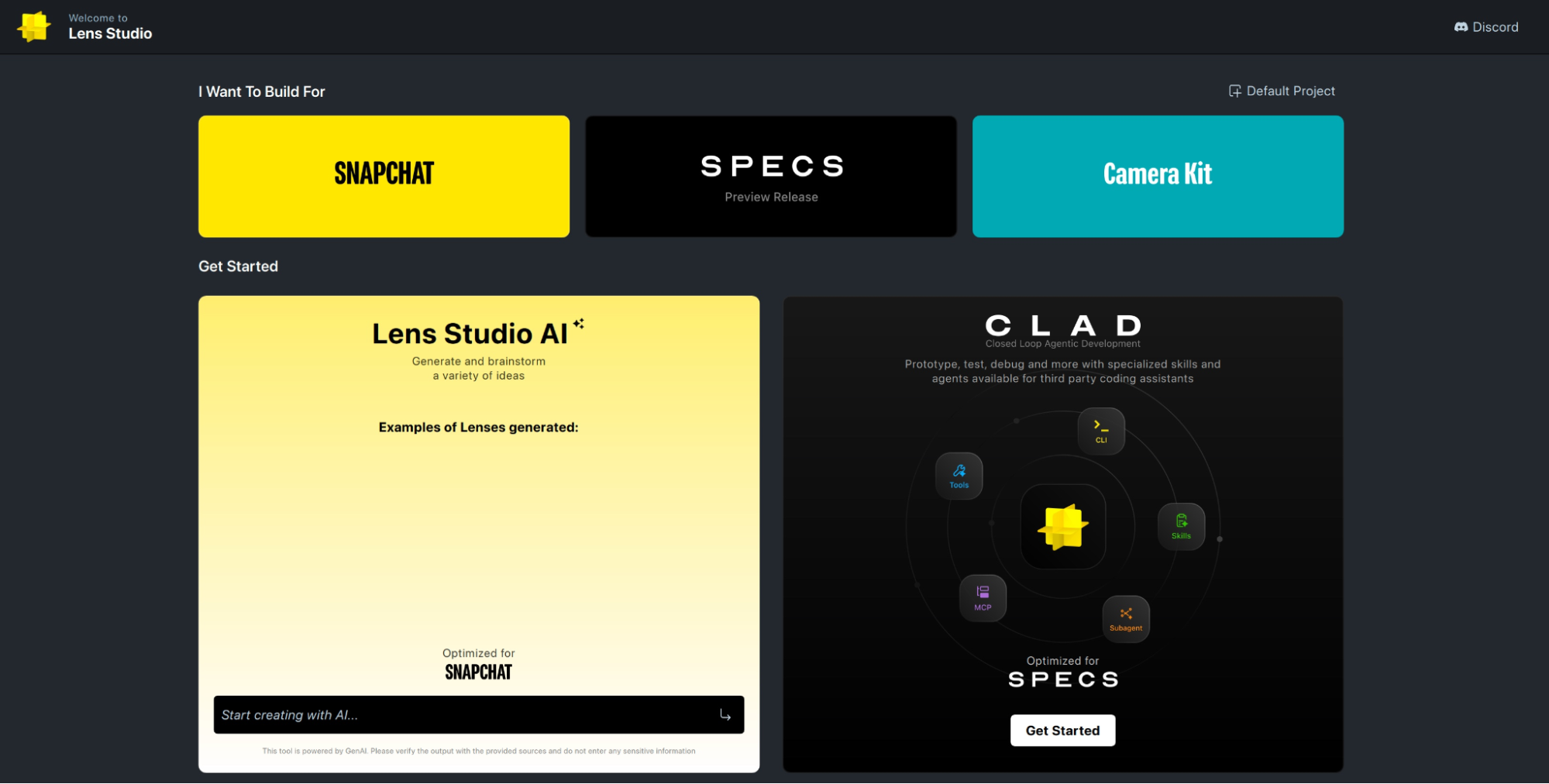
Within Lens Studio there are several tools for developing Lenses with AI:
GenAI Suite
GenAI Suite provides several tools for creating specific types of models and assets quickly. For example, check out this guide for generating AR garments.
GenAI Suite is optimized for Snapchat and may have limitations on other platforms.
Creator Mode / Easy Lens
Creator Mode provides a way to combine preset building blocks of logic. For basic Lenses, especially face filters, this is usually sufficient. If you'd like to prototype a new idea quickly, Creator Mode is an excellent choice. Creator Mode is also available as its own app called Easy Lens, accessible here:
- Android: Easy Lens on Google Play
- iOS: Easy Lens on the App Store
- Web: Easy Lens on the web
Creator Mode is optimized for Snapchat and may have limitations on other platforms.
Lens Studio AI Developer Mode (LSAI)
LSAI provides a way for you to create more complex Lenses with the support of AI. You can chat with an AI to design your Lens, debug your code, or learn how to use features in Lens Studio. You can extend LSAI's capabilities with custom chat tools as well.
This workflow is optimized for Snapchat and may have limitations on other platforms.
CLAD (Closed Loop Agentic Development)
CLAD enables Lens development using your AI tool of choice: Claude Code, Cursor, Codex, etc. This approach uses ls-extensions, a suite of custom AI skills which provide the best results for SPECS Lens creation.
This workflow is optimized for SPECS and may have limitations on other platforms.
Summary
If you're developing Lenses for SPECS, CLAD will provide the best results for full-loop Lens development. CLAD may also be used for Snapchat development, but some skills and plugins are only optimized for SPECS, and may require tuning to yield comparable results for Snapchat.
If you're developing Lenses for Snapchat, Easy Lens is a great way to prototype quickly. For basic Lenses, like face filters, Easy Lens may be sufficient for your development needs. For more complex Lenses, LSAI provides greater flexibility for you to dive into development and fine-tune your Lens.
Lastly, GenAI Suite provides specialized tools which may be useful for your Lens creation. Take a look at the list of tools and, if you find a tool that interests you, check out that tool's feature page to verify it supports your target platform.