Garment
Garment Generation is a tool that enables the generation of garment images from a text prompt. Seamlessly, you'll have created a 3D try-on experience with a 2D garment that is already segmented and attached to the upper body. This guide will walk you through all the features and provide tips and hacks for getting the most out of your garment creations.
Getting Started
-
Navigate to the
Lens Studio AIoption in the top right corner of the Lens Studio. Then, click on theGenAI Suitetab in the sidebar.
-
On the
GenAI Suitetab, you may need to scroll down to find Garment.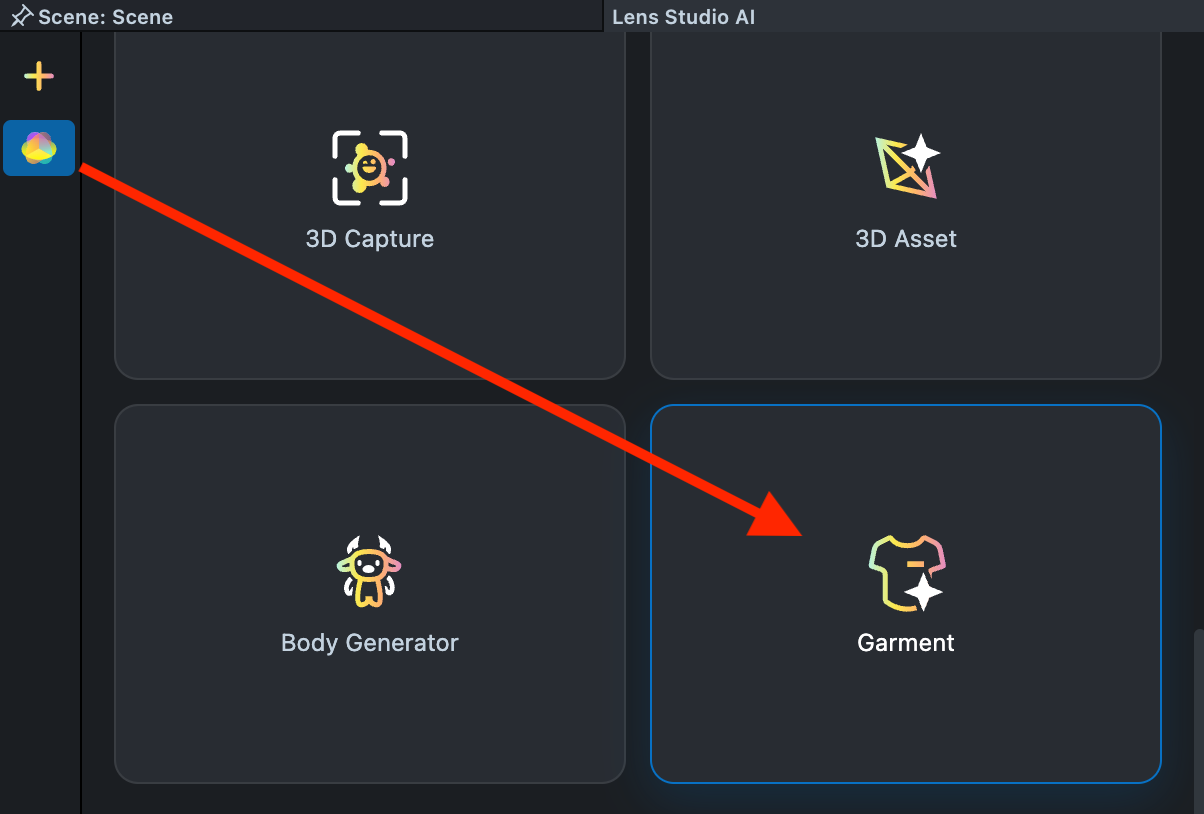
Effect Creation flow
-
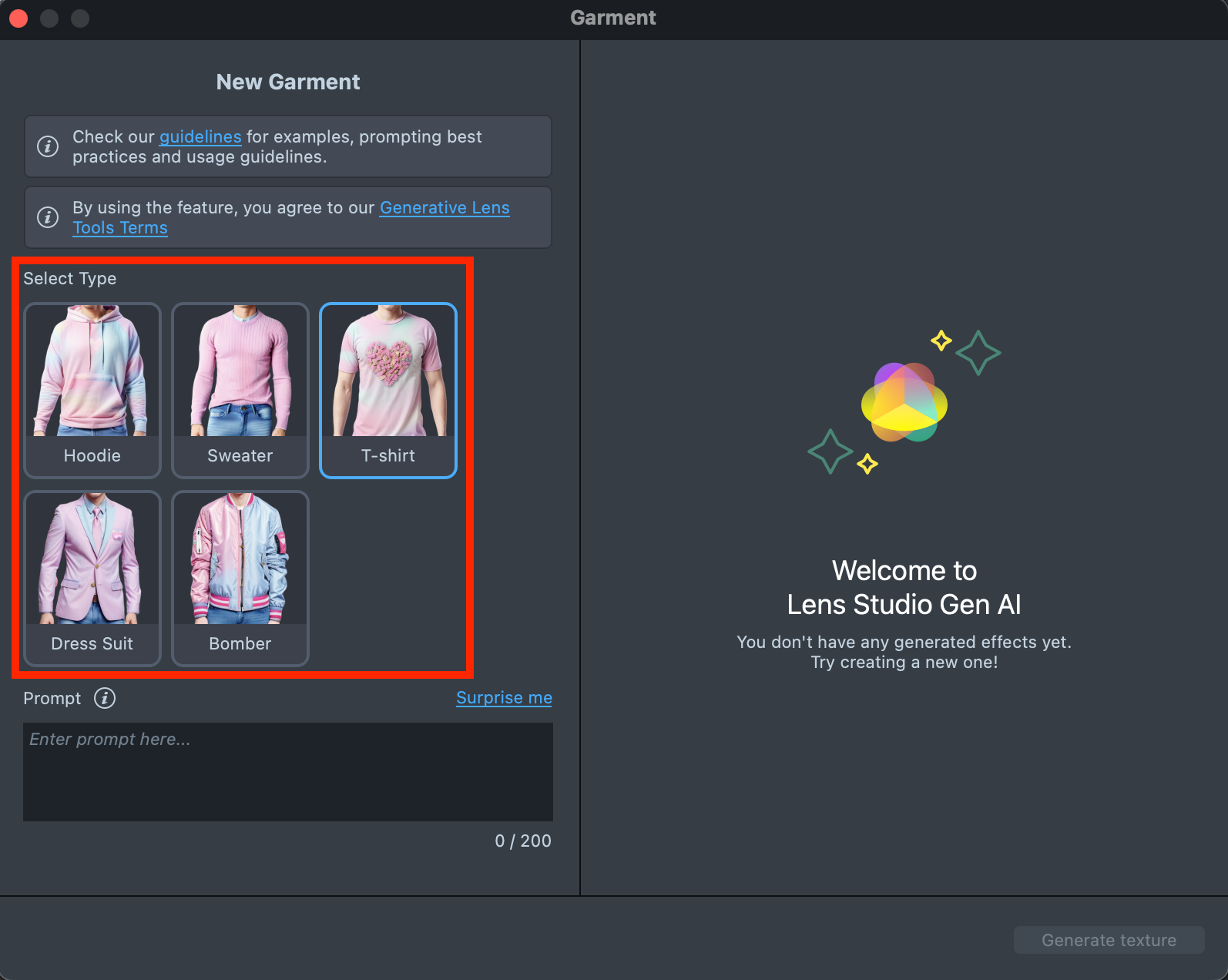
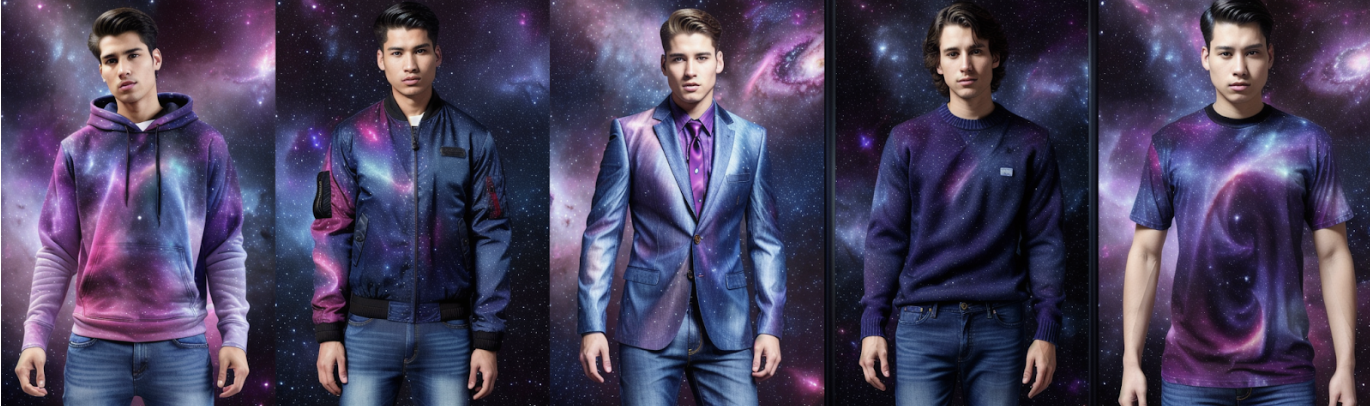
Choose the type of garment you want to create. You can select from Hoodie, Sweater, T-shirt, Dress Suit, or Bomber.
-
Click the
Surprise mebutton to try one of the default prompts and get familiar with the model.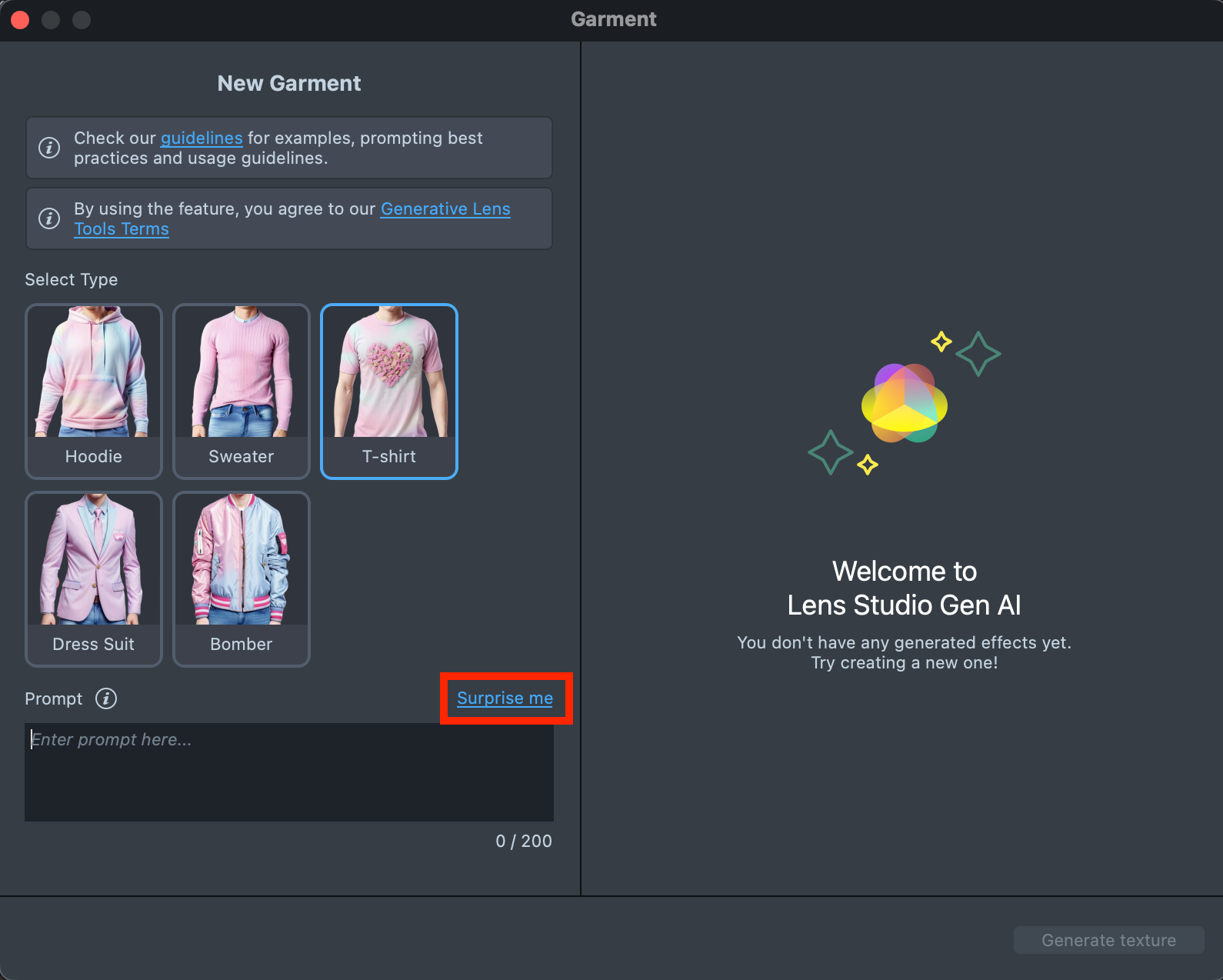
-
If you are ready to use your own prompt, enter a description of the Garment you’d like to generate in the
Prompttext field (up to 200 characters).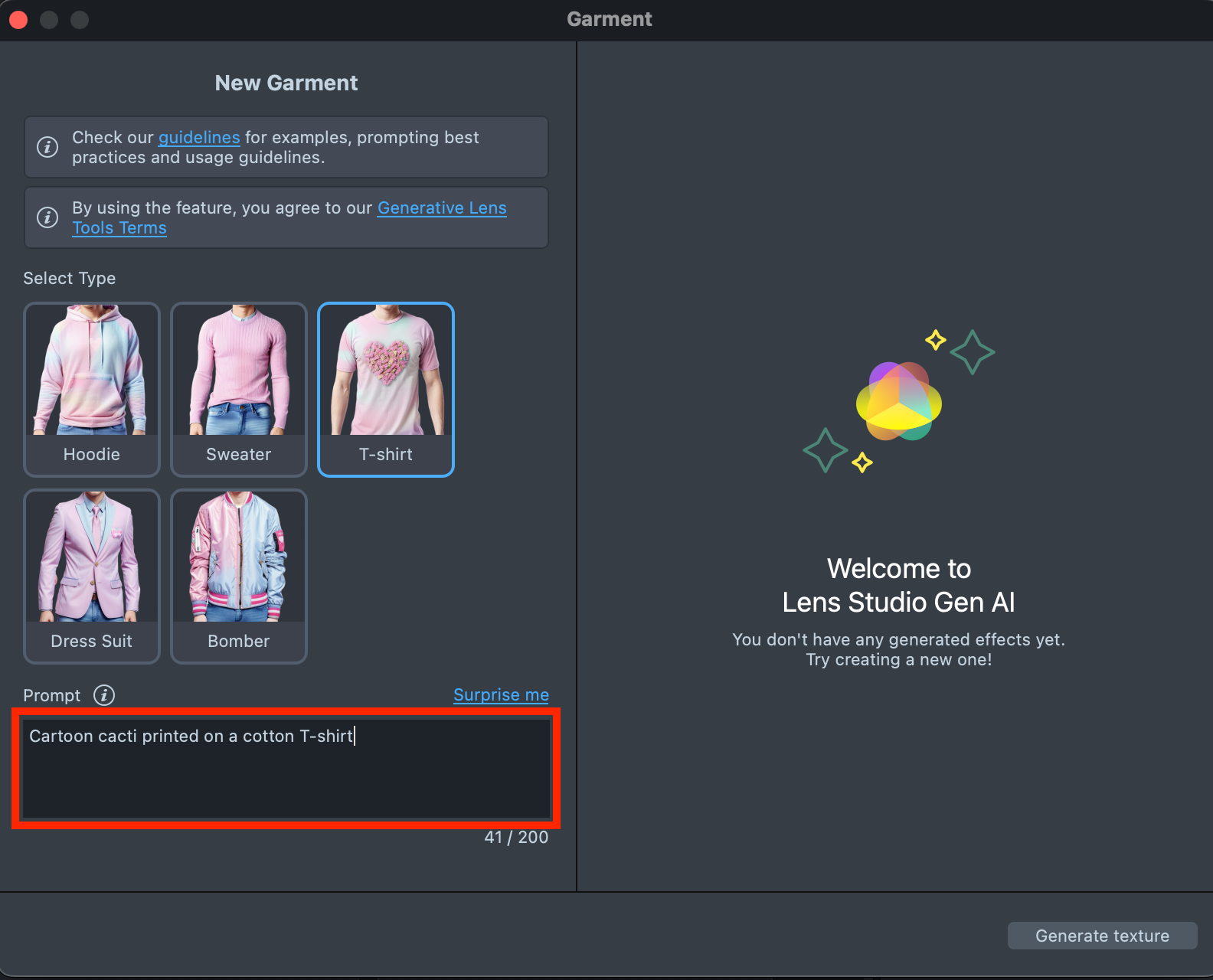
-
When your prompt is ready, press the
Generate texturebutton to generate the garment.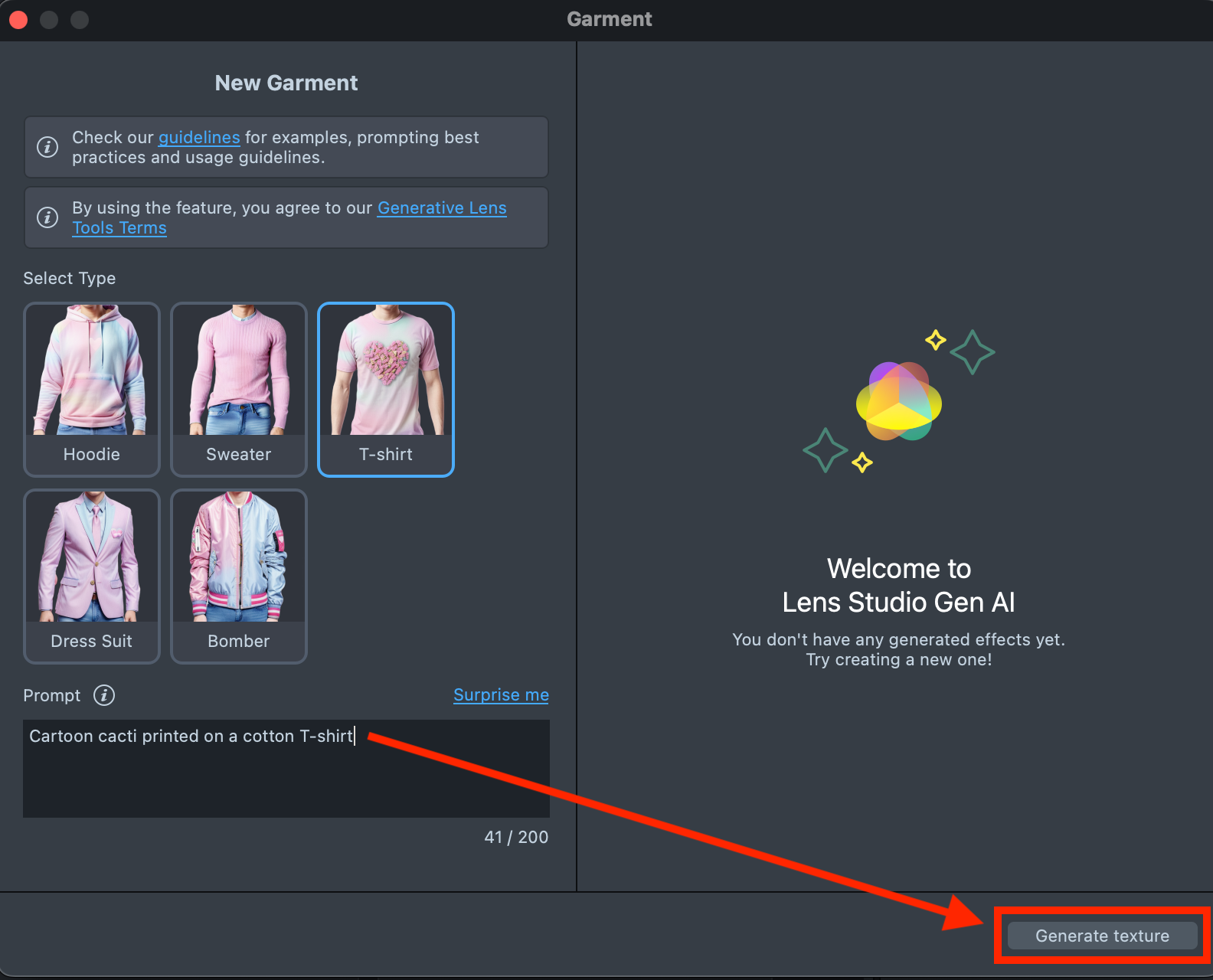
-
If the preview doesn’t match your expectations, adjust your prompt and click
Regenerate.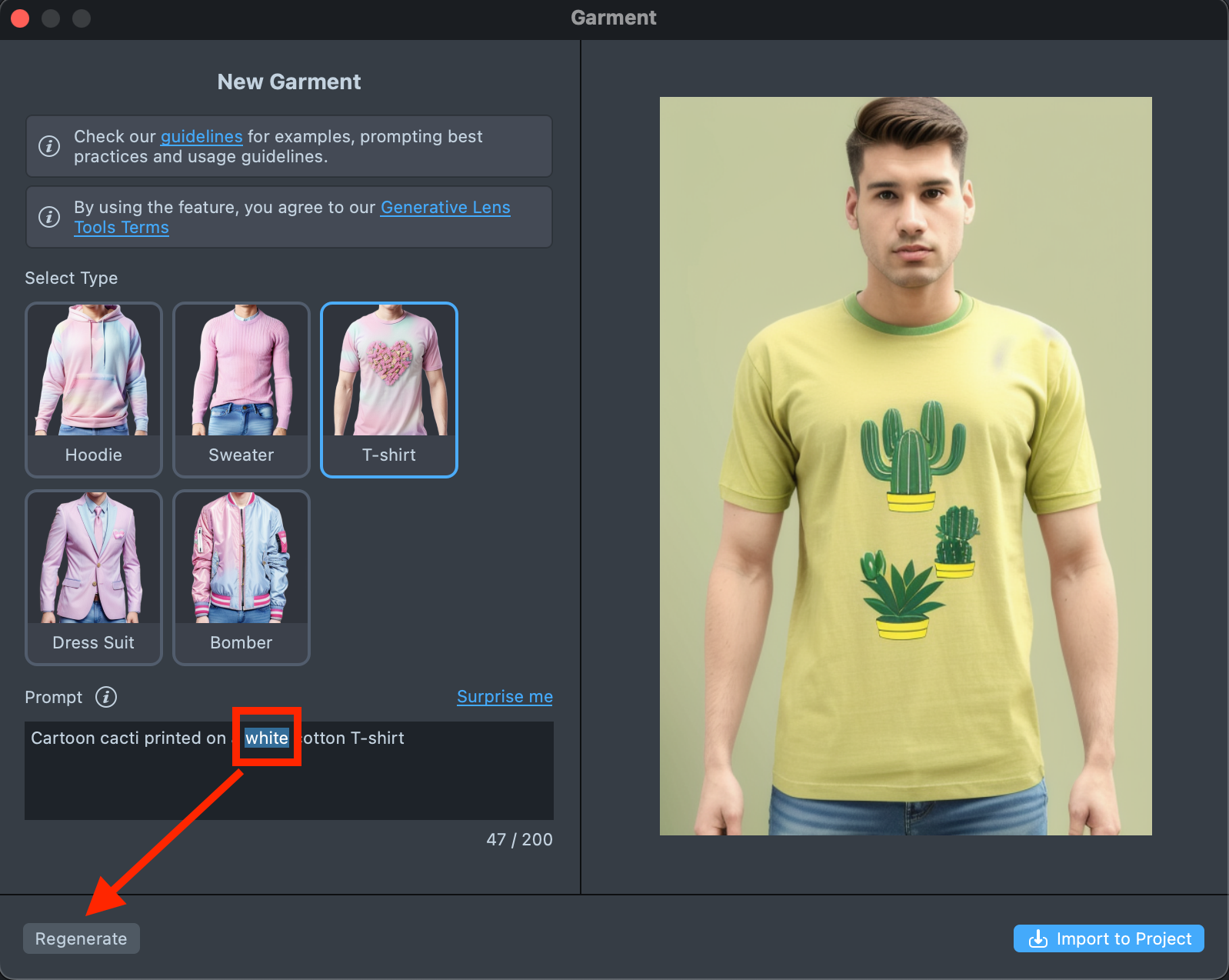
-
Happy with the result? Click
Import to Projectto continue building your Lens.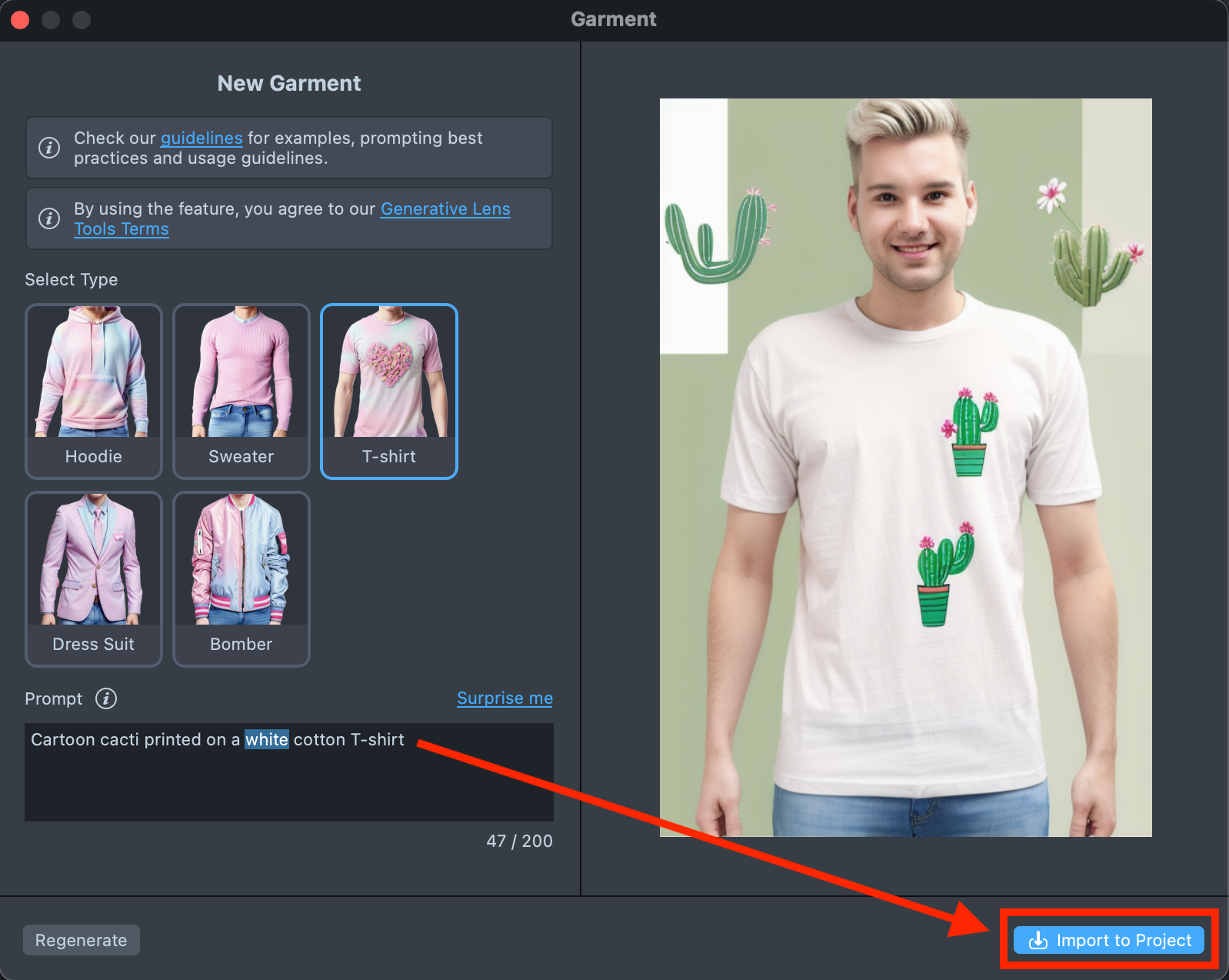
-
When you’re satisfied with the result, save your project and push the Lens for testing on Snapchat. See the Pairing to Snapchat guide to test your Lens on a device, and the Publishing guide to learn more about sharing your creation.
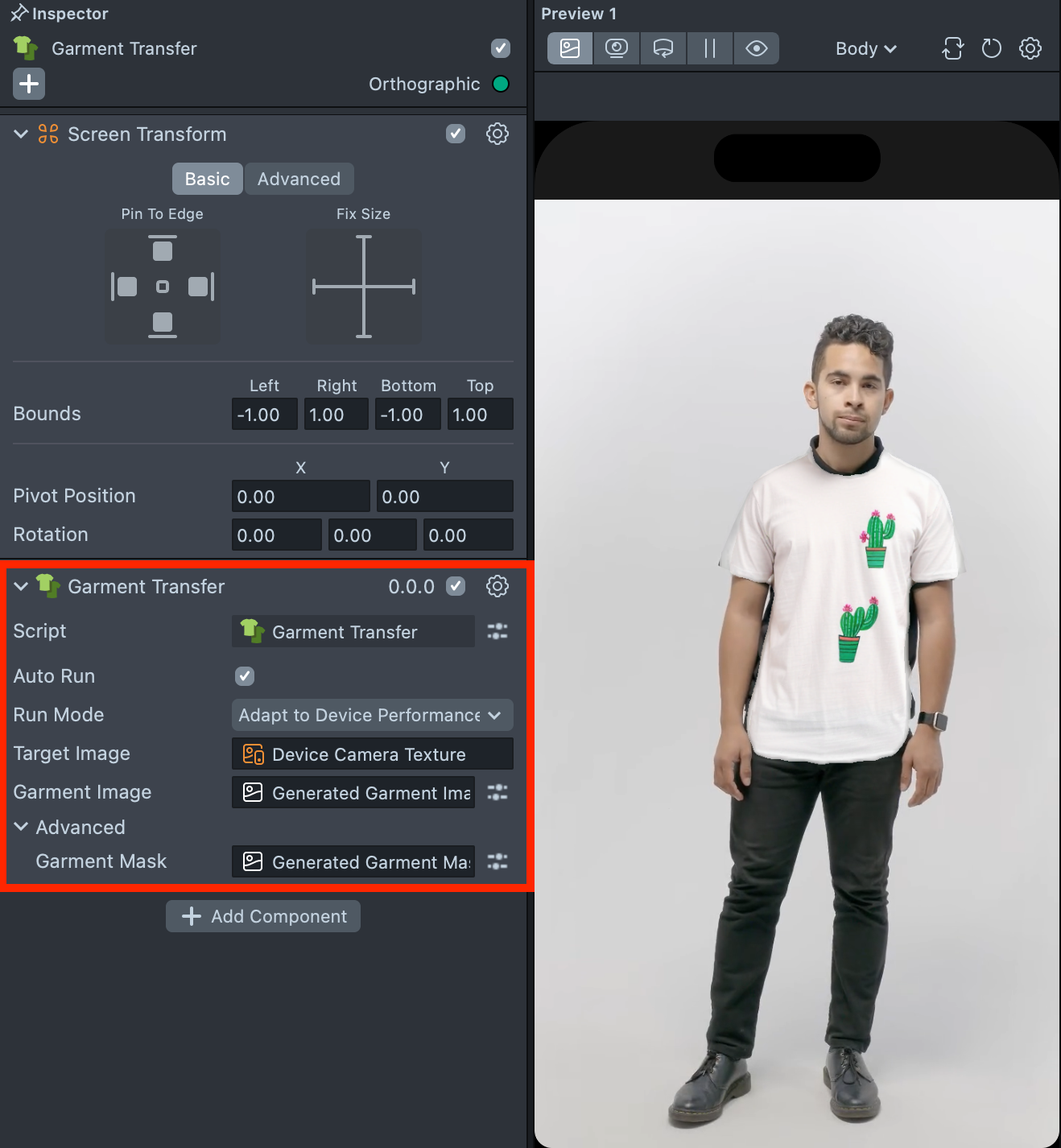
-
Follow this guide to learn how to combine Garment with Face Animator, Style Generator and Face Generator.
Prompt Tips and Hacks
Words and Phrases
- No Information Loss: Keep all essential details from the original prompt, be clear and direct, and include fine details about the garment.
- Avoid Specific Names and Brands: Don't mention specific people, brands, or characters. Use general descriptions and add "without logo" if needed. Exceptions: You can mention Snap or Snapchat.
- No Inappropriate Content: Avoid words related to NSFW, drugs, alcohol, weapons, violence, self-harm, racism, and other inappropriate categories.
- Word Count: Keep the prompt between 20 to 30 words.
- No '3D Model': Don't use the phrase "a 3D model."
Descriptors
- Styles and Colors: Include relevant styles and colors.
- No Background Details: Focus solely on the garment, no background details.
- Text captions are not supported: It is not possible to generate text prints on the garment yet.
Order of Words
- Weight of words: The words at the start of your prompt have the most influence and should fully reflect the concept.
Examples
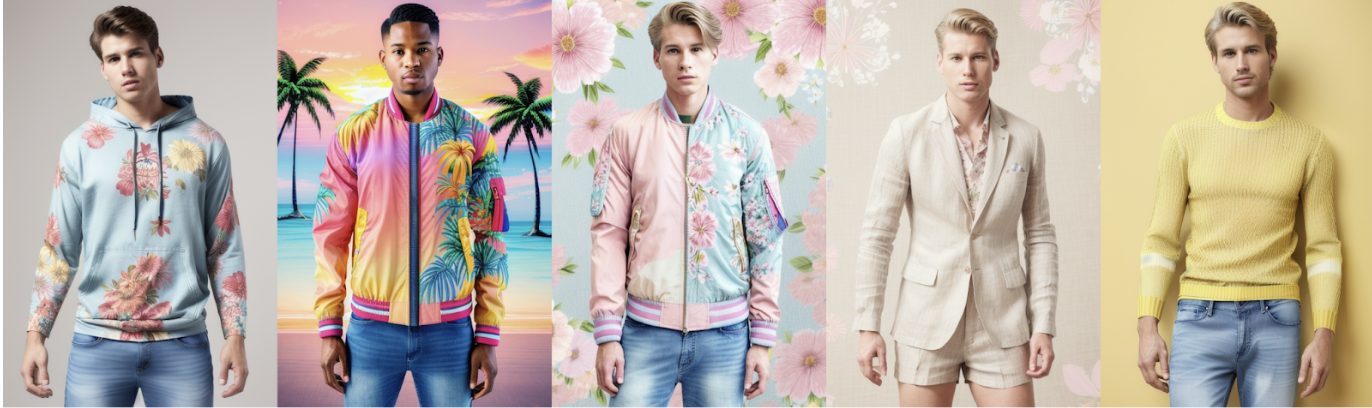
Prompt summer:
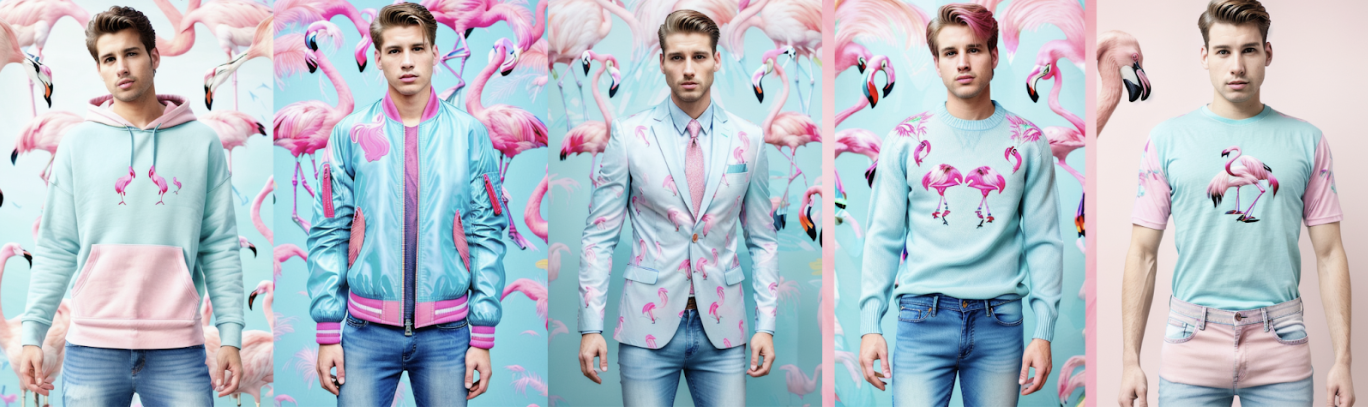
Prompt Flamingos:
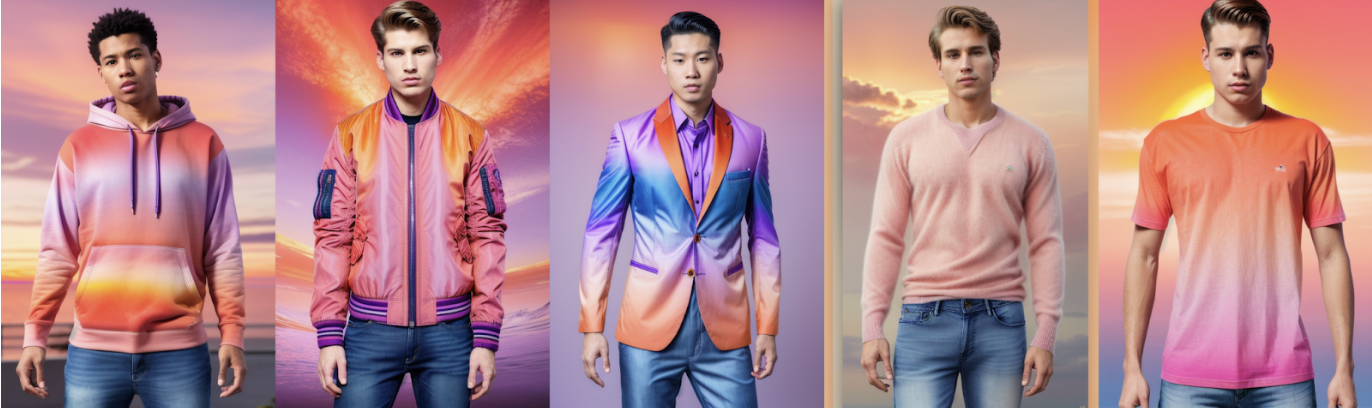
Prompt sunset:
Prompt galaxy:
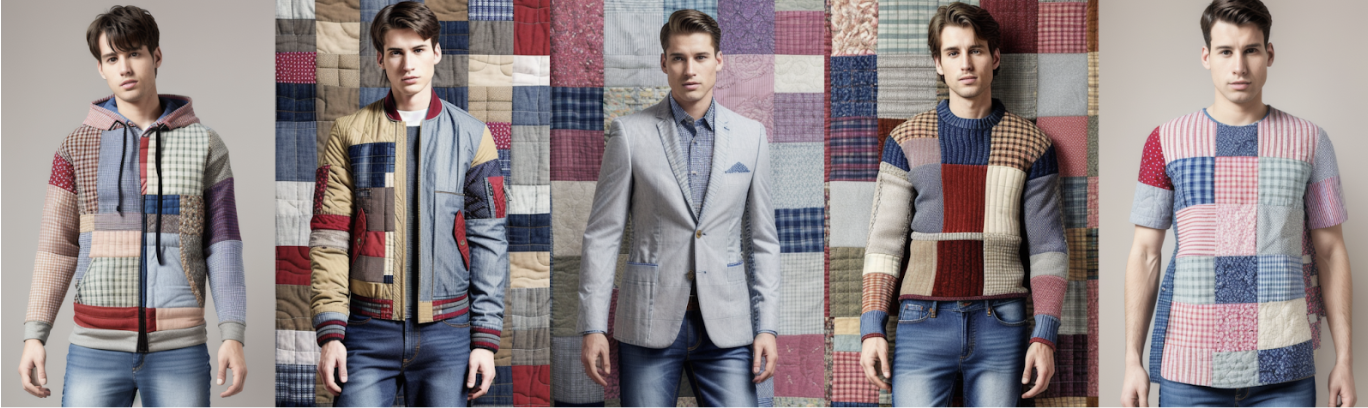
Prompt patchwork: