Nodes > Main > Ray Tracing Reflections
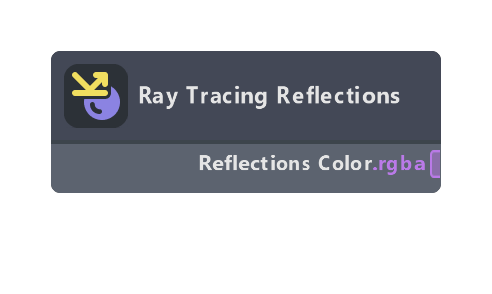
Sample Ray Tracing Reflections and return Ray Tracing Reflections raw value. Ray Tracing must be enabled on the camera and the material must be used on a RenderMeshVisual marked as a receiver, otherwise the node will return black.
Note that it is not necessary to use this node to see Ray Tracing Reflections: PBR node already samples Ray Tracing Reflections texture and blends it correctly. However, advanced artists may require more control over reflections for creative use cases, in which case this node can come in handy.
For more information, see the Ray Tracing in Lens Studio guide.
Outputs
| Name | Type | Description |
|---|---|---|
| Reflections Color | color | Ray Tracing Reflections value, or black if Ray Tracing Reflections is not available. |
Was this page helpful?