Face Expressions
The Face Expression effect lets you get information about the current expression of the user’s face--such as whether the user currently blinks their left eye, opens their mouth, and more.
Take a look at the Face Expression example which allows you to use Face Expression to drive a 3D model’s face using blendshapes.

The Expressions
The system tracks 51 expressions, each corresponding to a specific user emotion or facial muscle movement. Each expression has a "weight" parameter—a value that indicates the strength of the expression.
For example, EyeBlinkLeft has a weight closer to 0.0 when the user's left eye stays fully open, and increases when the user blinks. Every face produces different values, so the weight may never reach exactly 0.0 or 1.0.
You can see the use of every expression in Face Expression and what they look like in the Face Mesh example.
Create the Face Expression
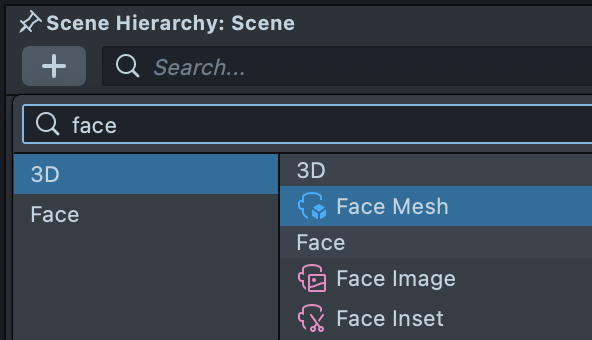
You can access the Face Expression data through Face Mesh. To create Face Mesh, in the Scene Hierarchy panel press the + > Face Mesh.
Access the Current Expression
Once you have the Face Mesh added to your scene, you can access information about the current face’s expression through script.
In a script you can access the faceMesh by creating an input for the Face Mesh asset:
// @input Assets.FaceMesh faceMesh
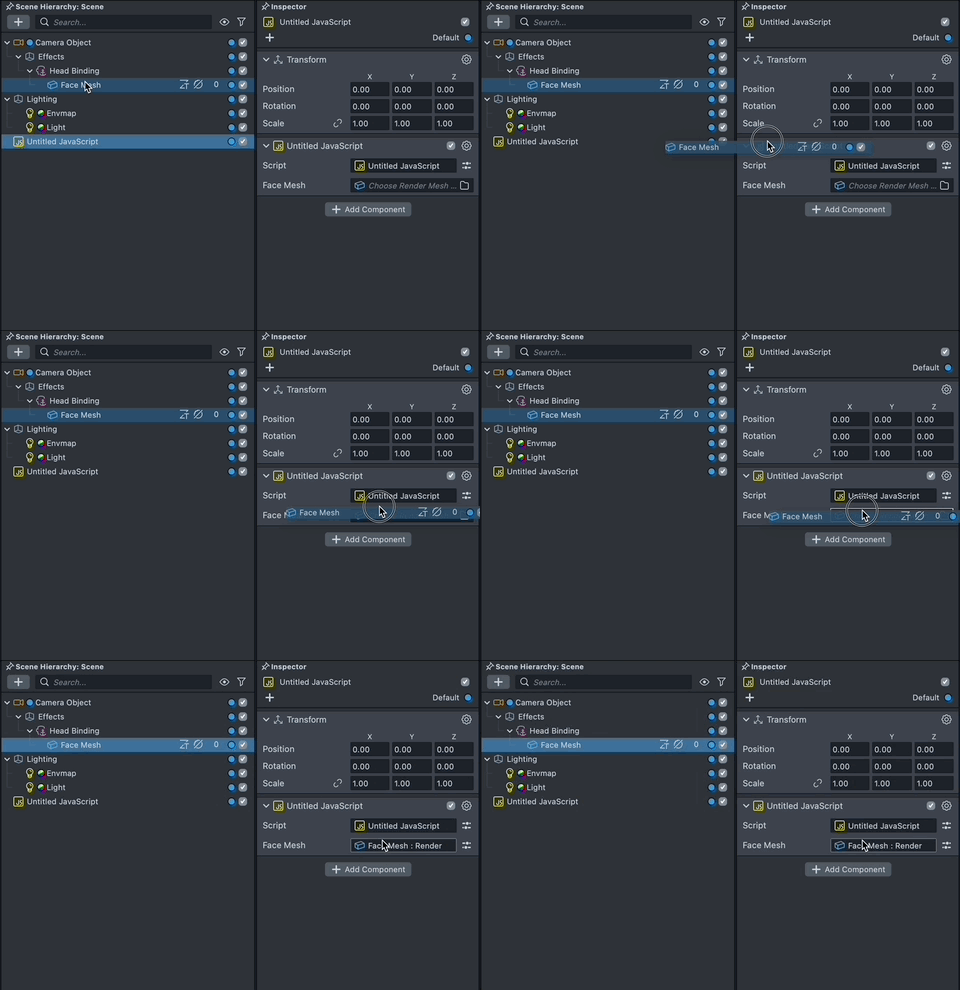
Then, subscribe to the onExpressionWeightsUpdate event on the Face Mesh's control to receive expression weights each time they update.
The callback receives a NamedValues object containing names and values arrays that correspond to each other.
script.faceMesh.control.onExpressionWeightsUpdate.add(function (expWeights) {
  var idx = expWeights.names.indexOf(Expressions.MouthClose);
  if (idx >= 0) {
    print('MouthClose weight: ' + expWeights.values[idx]);
  }
});
Take a look at the list of expressions in the API page.
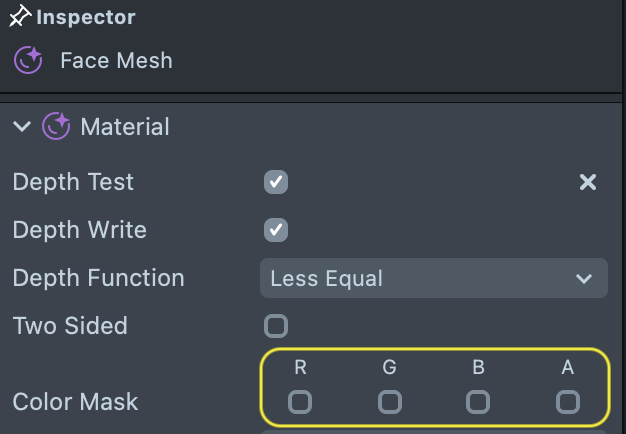
If you don’t want to display the Face Mesh, you can add a transparent material to hide it. The face mesh object itself must always remain active to receive information about the face.