Turn Based Game
You can find this sample project on Lens Studio Home Page.
The Turn-Based Game sample project demonstrates how to create a basic two-player competitive experience. Players take turns tapping a button as fast as they can before the timer runs out. Each player’s best score across turns is tracked, and the highest score wins.
This project can be used as a starting point for building your own turn-based games by swapping out the scoring mechanic, customizing the UI, or extending the win conditions.
Project Structure
Inside the Scene panel, you’ll find the following setup:
Main Camera
A rendering camera for the 3D scene.
Turn Based Scene Object
Contains the Turn Based Component that manages turns, players, and game state.
Turn Based Component Settings:
- Require Turn Submission: Enabled.
- User Turn Limit: Enabled (limits users to a maximum number of turns).
- Turn Limit: 4.
- Game Over Scene Objects: Value 0 -> Game Over Screen.
- Print Logs: Enabled (to see logs in the Logger panel).
Turn Based Player Info
Holds two Turn Based Player Info Components, one for each player.
Turn Based Player Info Component Settings:
- Turn Based Component:
Turn Based. - Target User - User Type:
User 1for the first component,User 2for the second. - Use Bitmoji Sticker: Enabled.
- Sticker Type: Selfie.
- Auto Load: Enabled.
- Apply Sticker To -> Output Type: Material.
Main Logic
Contains the MainLogic Script which orchestrates the game (turns, scoring, win logic).
Orthographic Camera
Used for 2D UI elements. Its children are:
- Game UI
- Best Score Text.
- Turn Count Text.
- Tap Button: contains Tap Button Script and Tap Button Text.
- Timer: contains the Timer script and Timer Text.
- Counter.
- Turn Based UI
- Players Cards
- Game Info: includes the Rules and Guides screen and the Side Button.
- Snap and Send image.
- Game Over Screen
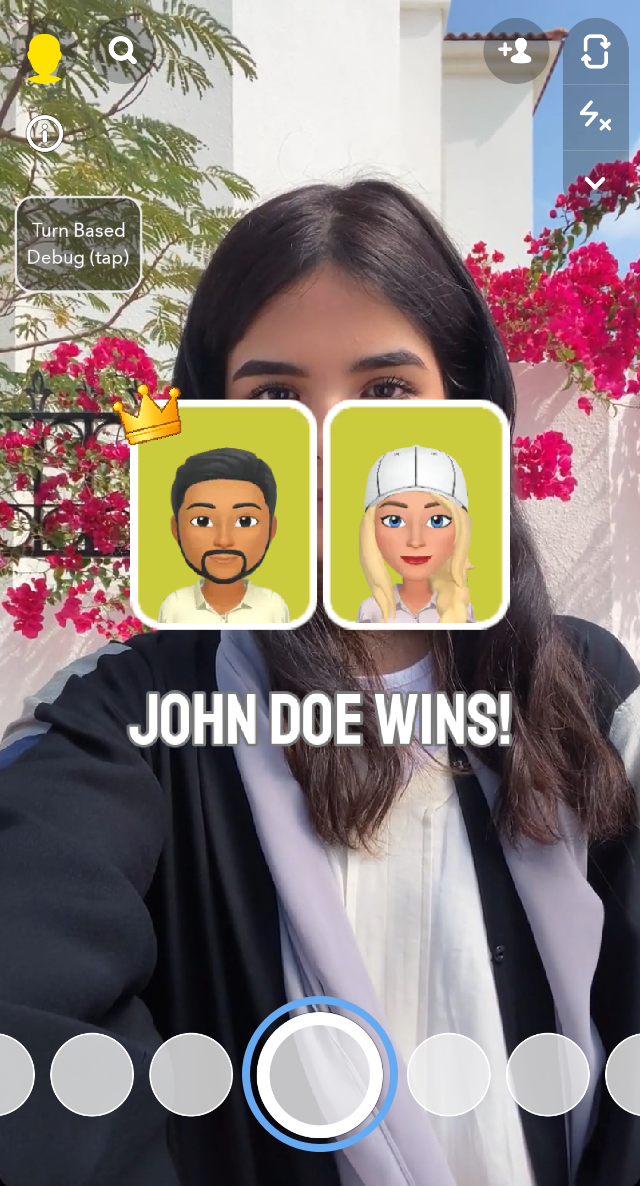
- Displays the final winner text and a crown icon for the winning player.
- Start Screen
- Intro Card: shown only on the first turn of Player 1.
- Turn Start Card: shown at the beginning of each subsequent turn.
How Gameplay Works
-
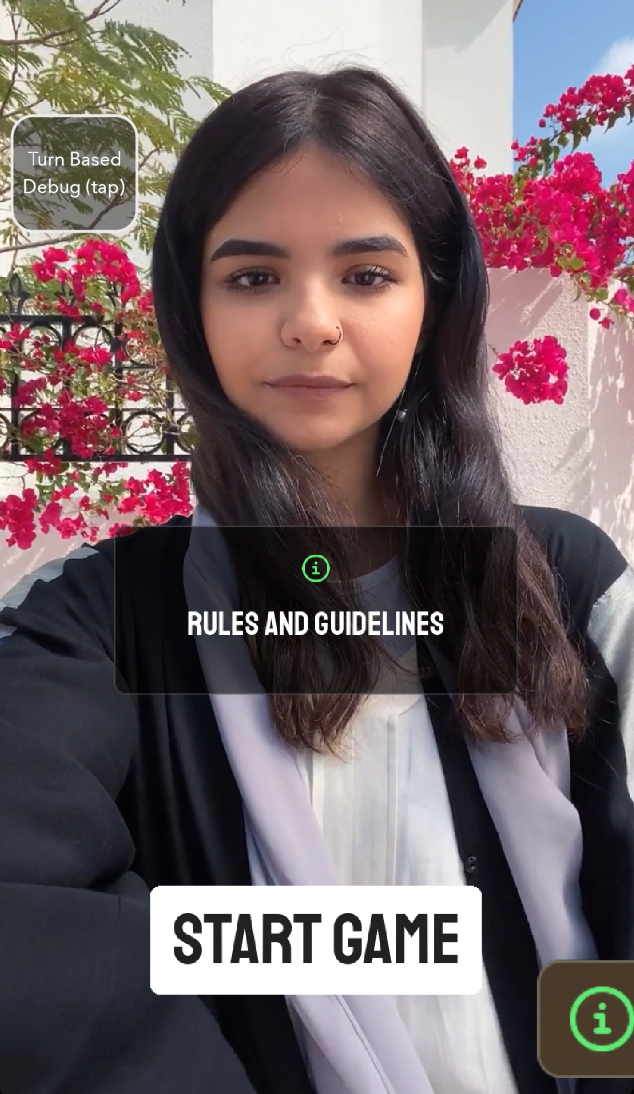
On the first turn, Player 1 presses the Start Game button to begin.
-
After clicking the Tap To Start button, a countdown timer starts. Player 1 taps the button as fast as possible until time runs out.
-
The turn ends automatically when the timer hits 0, and the score is sent via Turn Based.
-
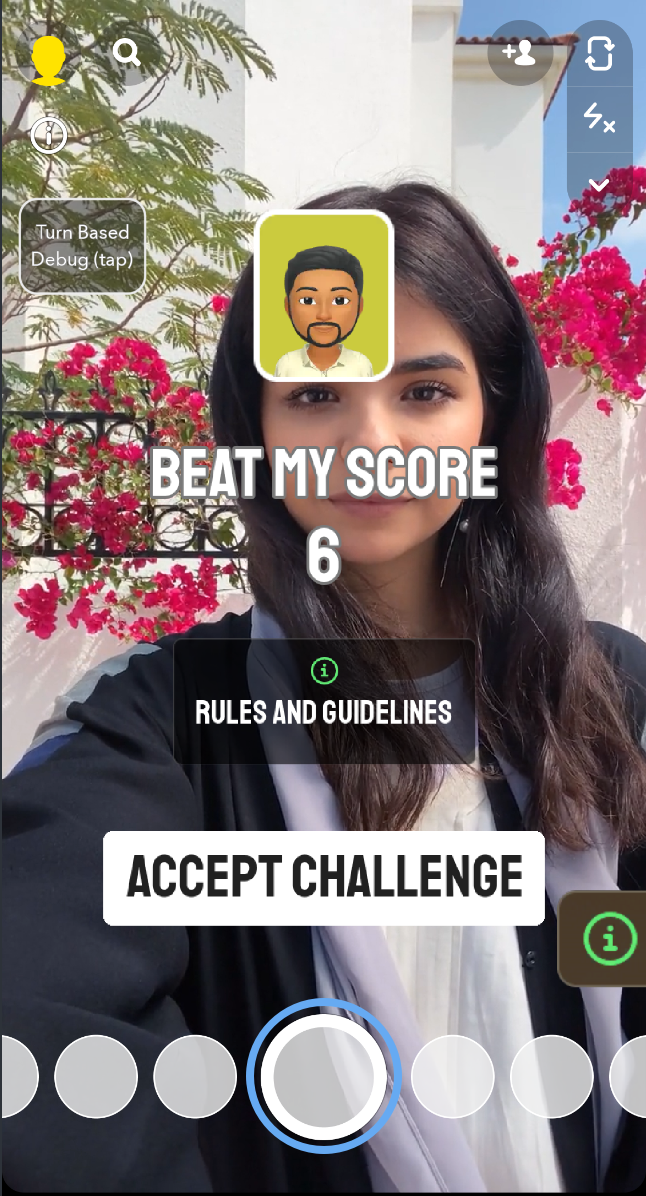
Player 2 receives the Lens. They see Player 1’s card and score, then press Accept Challenge to start their turn.
-
After both players finish two turns each, the Game Over Screen appears with the winner’s name and crown.
Script Interface
-
MainLogic.ts: Handles game flow, turn lifecycle, winner calculation, and syncing state via the TurnBased API.
-
TapButton.ts: Detects taps, starts the game on the first tap, and increments the per-turn score.
-
Timer.ts: Manages the countdown timer, starts when the game begins, and signals when a turn ends.
Previewing Your Lens
To preview your Lens on Snapchat, follow the Pairing to Snapchat guide.